
How To: Realm Picture
Amy Widener • June 15, 2026
You have control of your Realm Profile
Did you know that you can update or add a picture to your Realm profile?
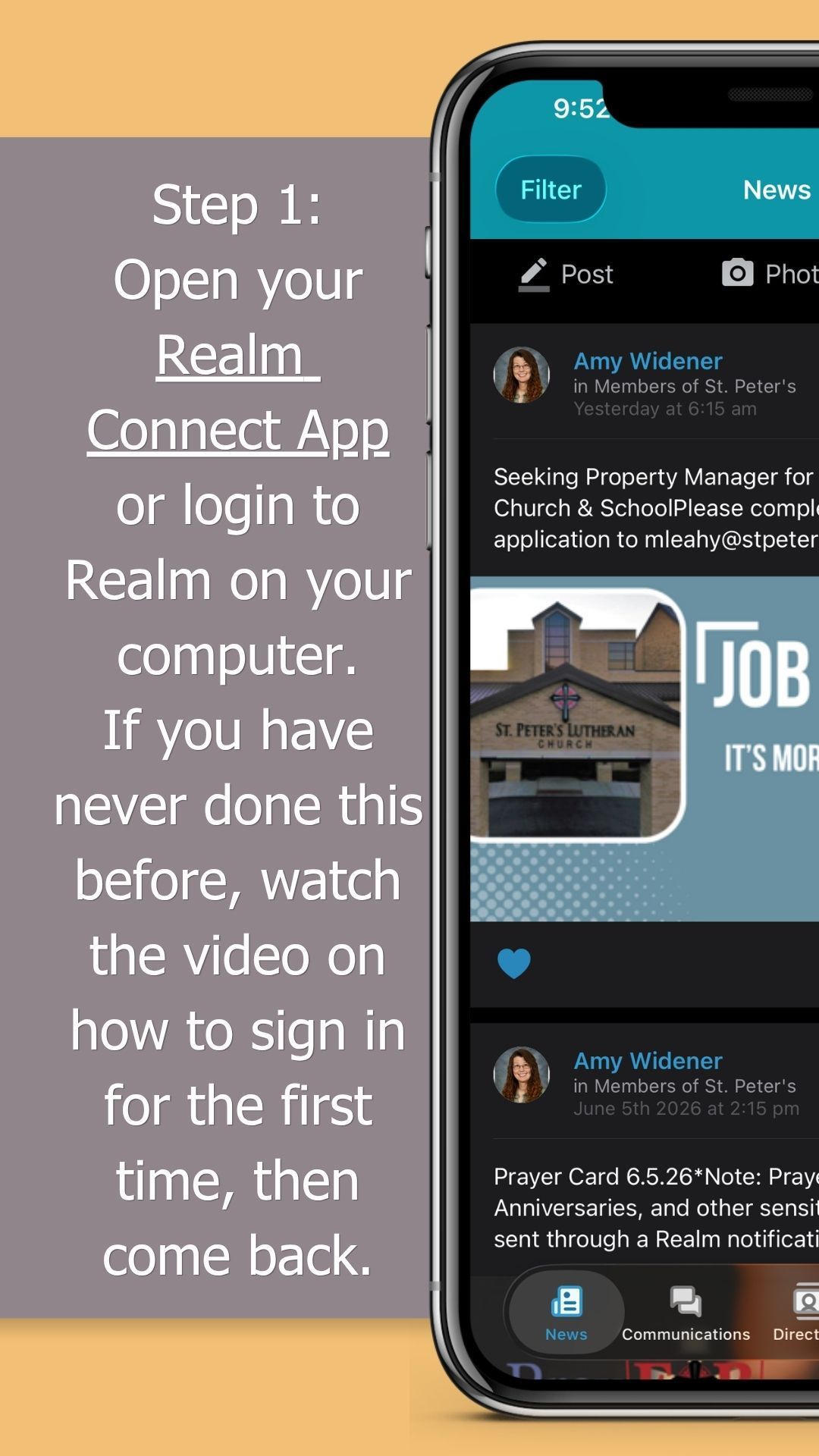
*First things, first. Have you ever logged into Realm? If not, take a look at the how-to video at the bottom of this page or it's also at the bottom of The Hub. Paper versions of these video instructions are in the Ministry Center by the kiosks.
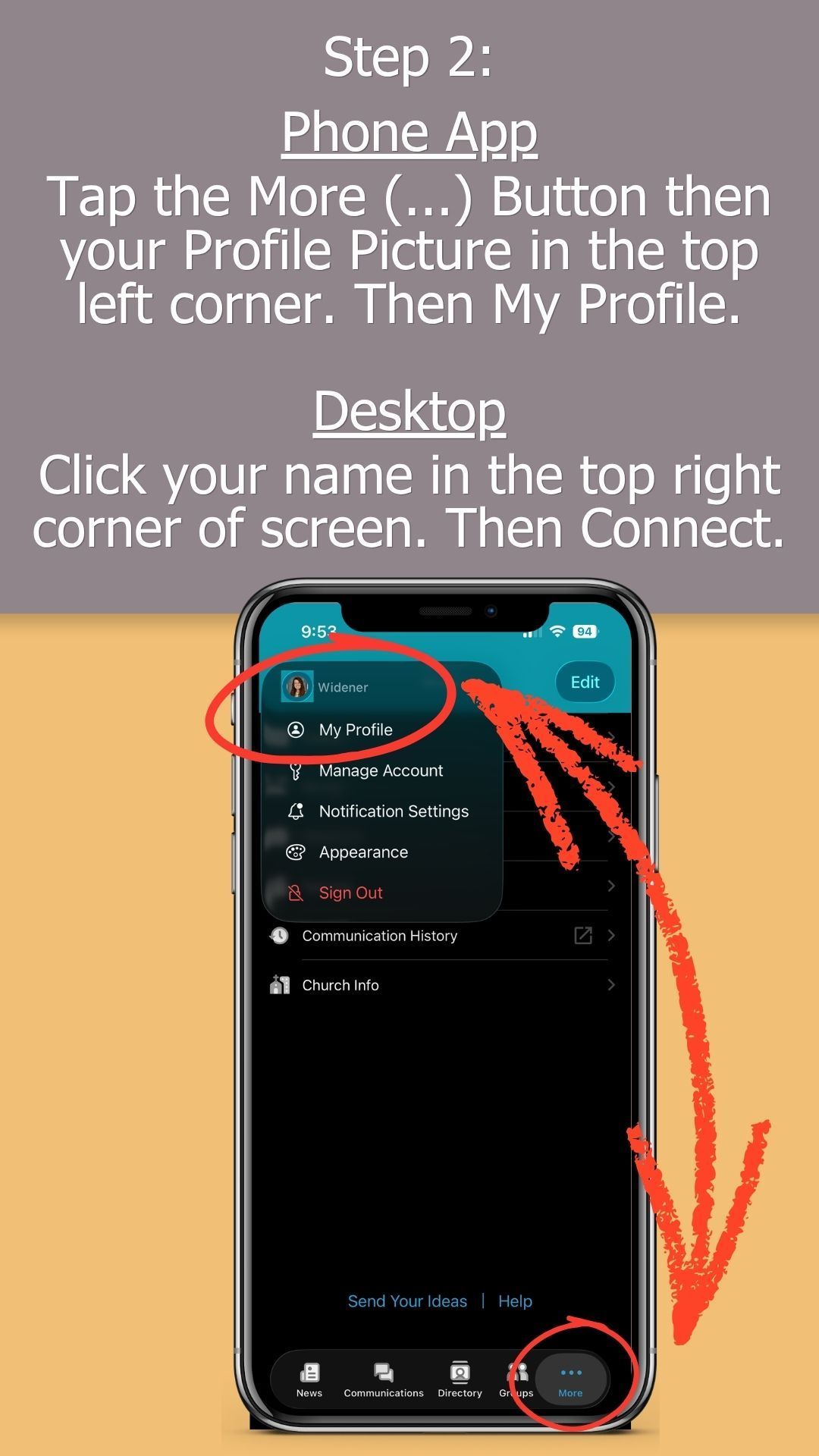
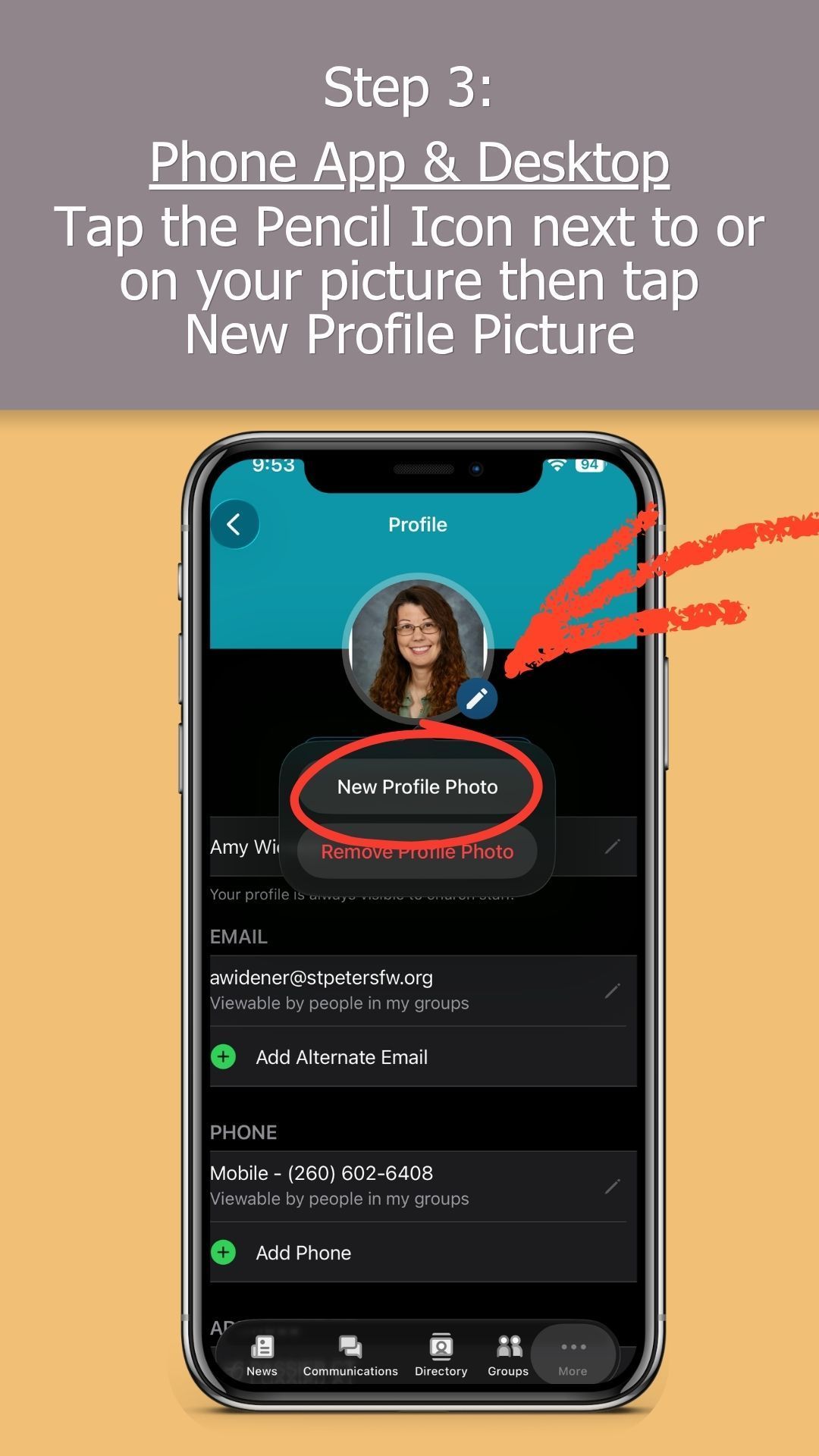
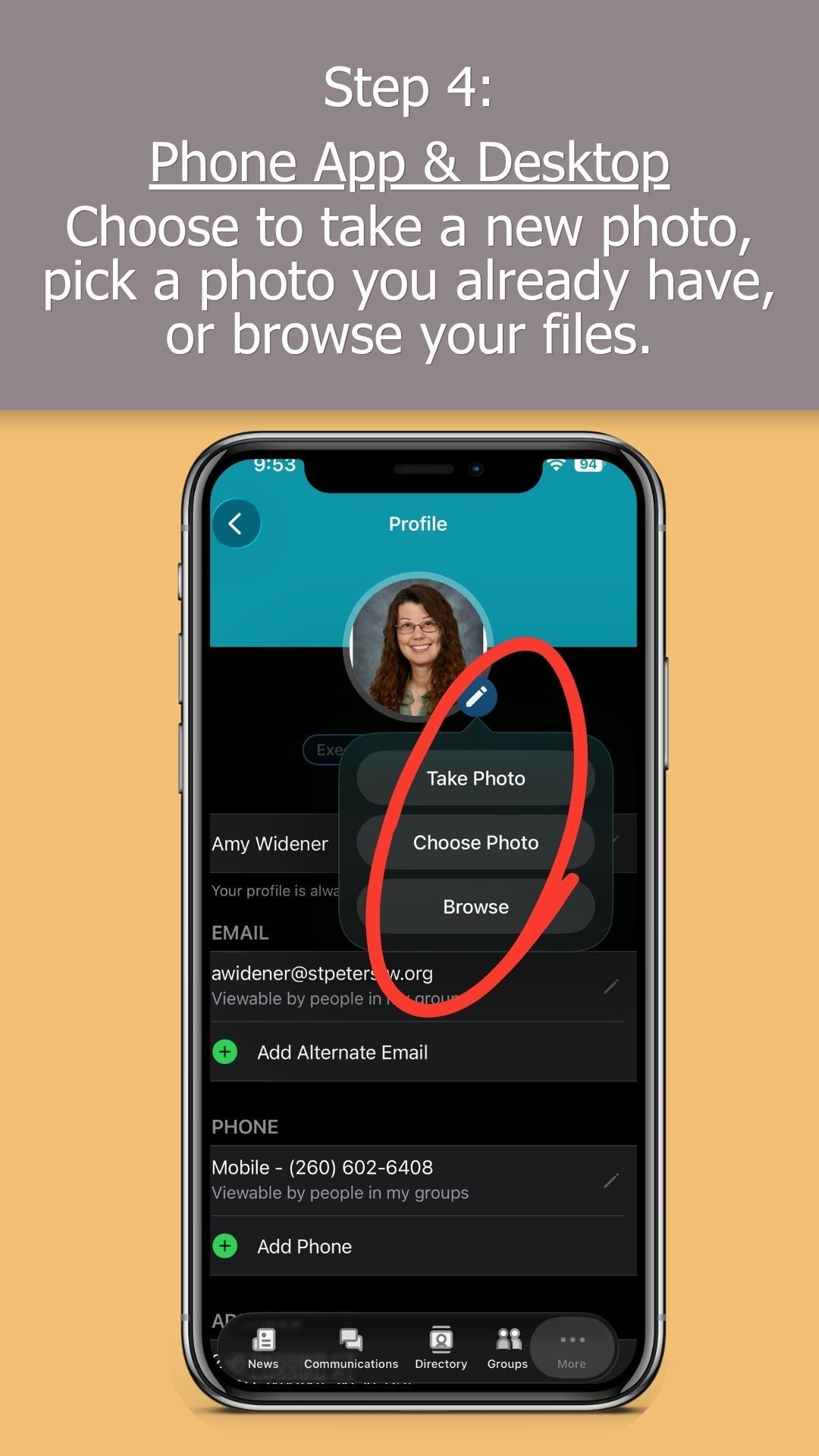
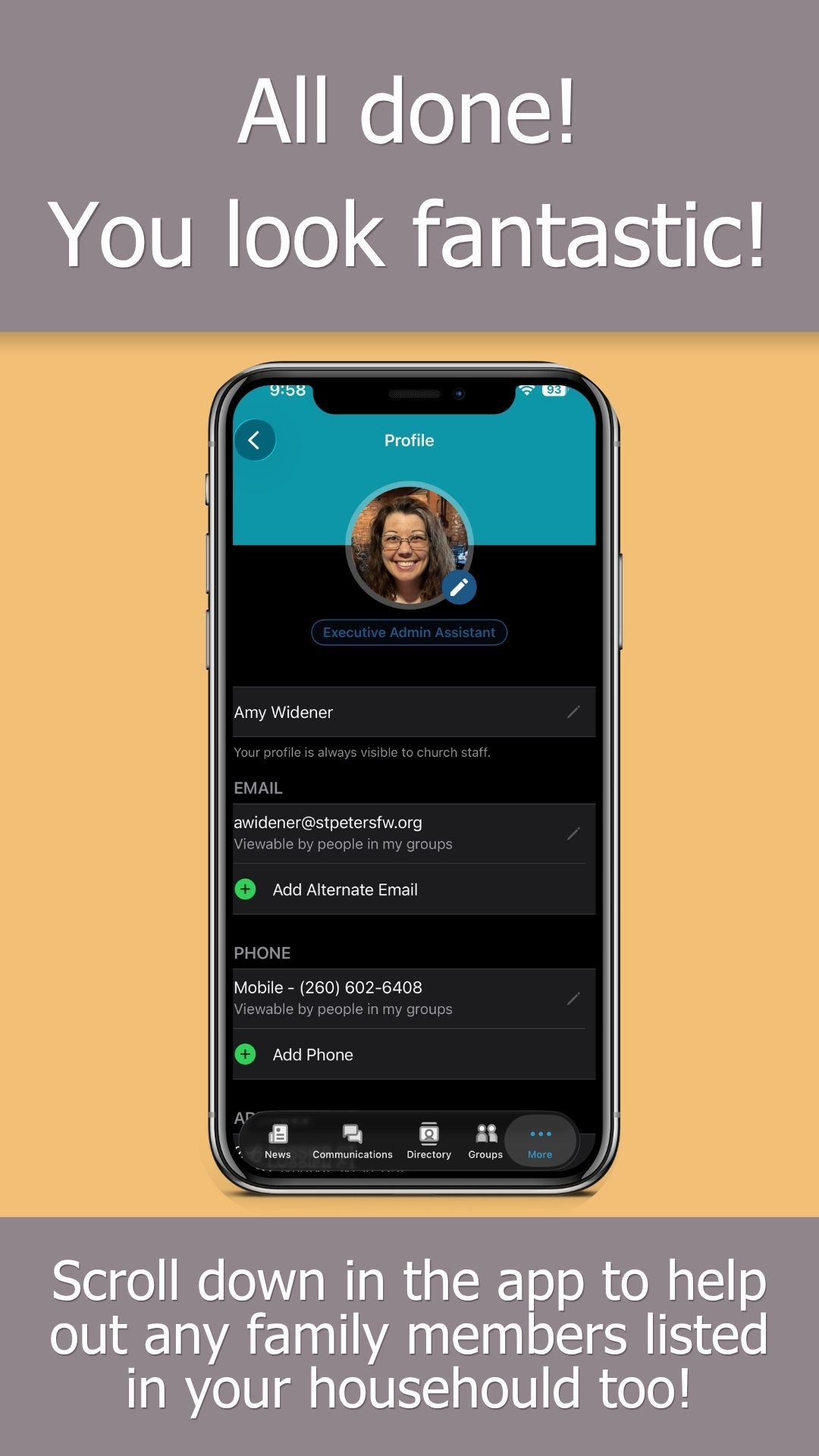
Once you log in and see what you've been missing, you'll be so glad you did! Check to see what picture you have (if any) on your profile and follow the steps below to update it. You can do this on both Apple and Android phones as well as your desktop. Each is slightly different, but similar enough that these steps will help. Give the church office a call or come on by if you have a question.
News & Notes
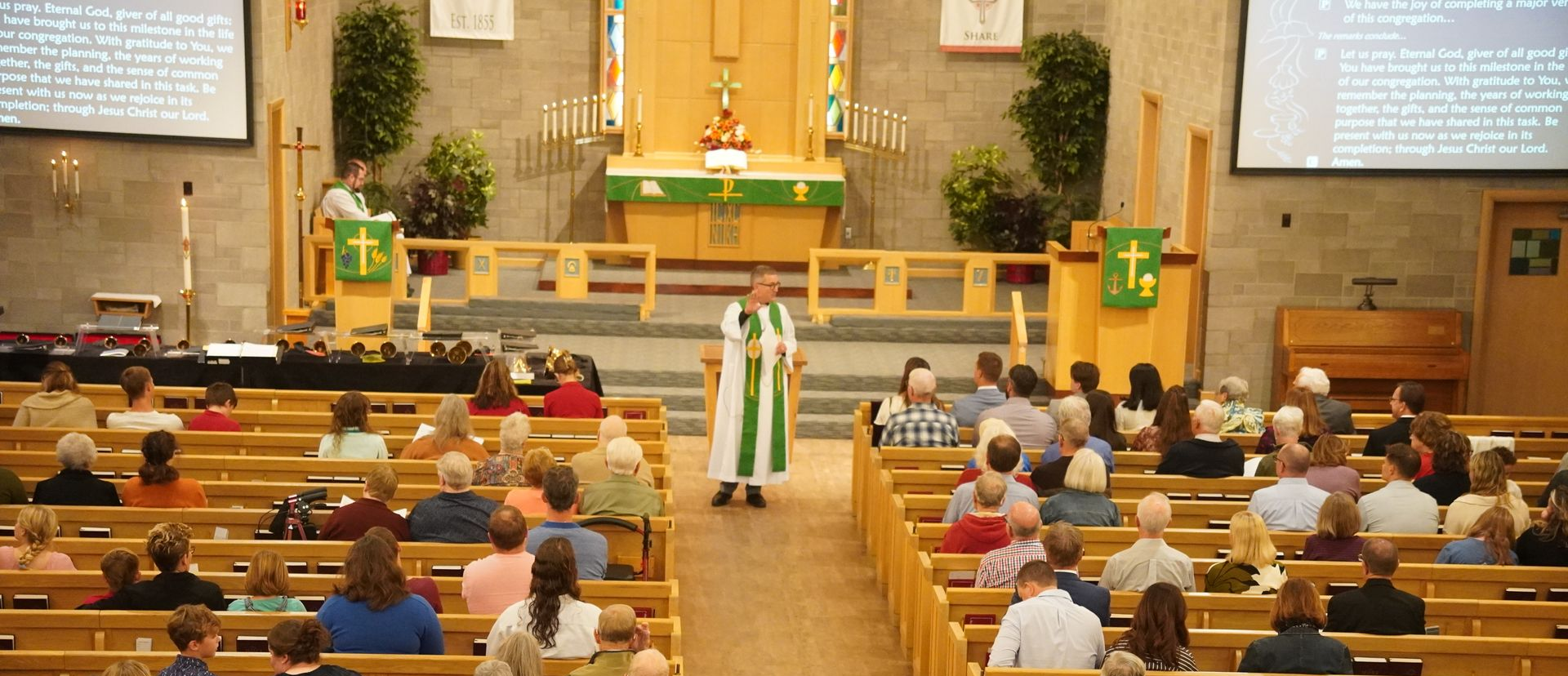
Sermon by Pastor Danny Eggold

If you weren't at St. Peter's this weekend, you missed a LOT!

Our Ministry is Extra Special Because You're in the Mix!
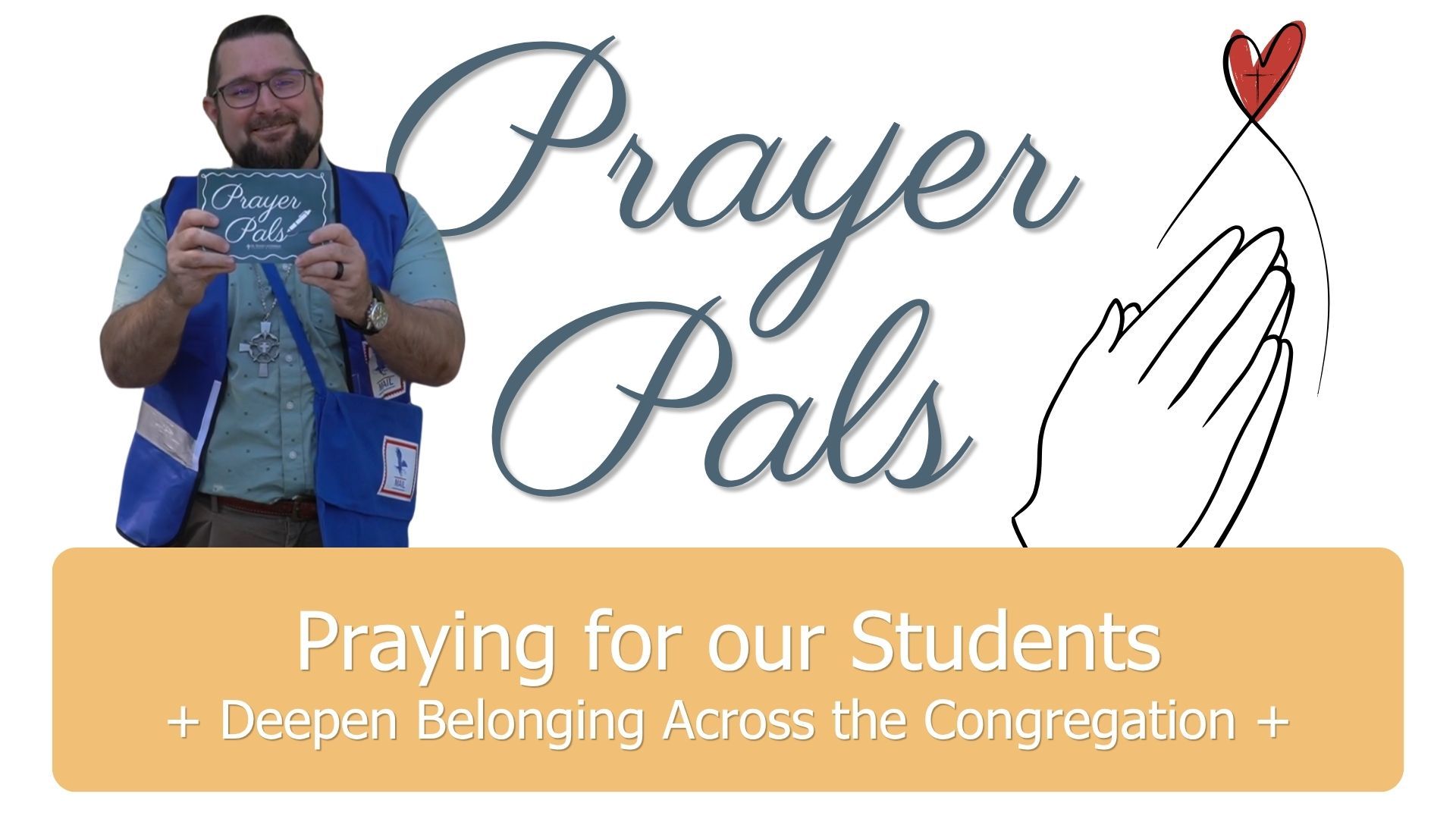
Watch Pastor Nate Share Next Steps for Prayer Pals with our School & Preschool

Catch 'em early! Catch 'em now!

A Little Fellowship, A Big Meal
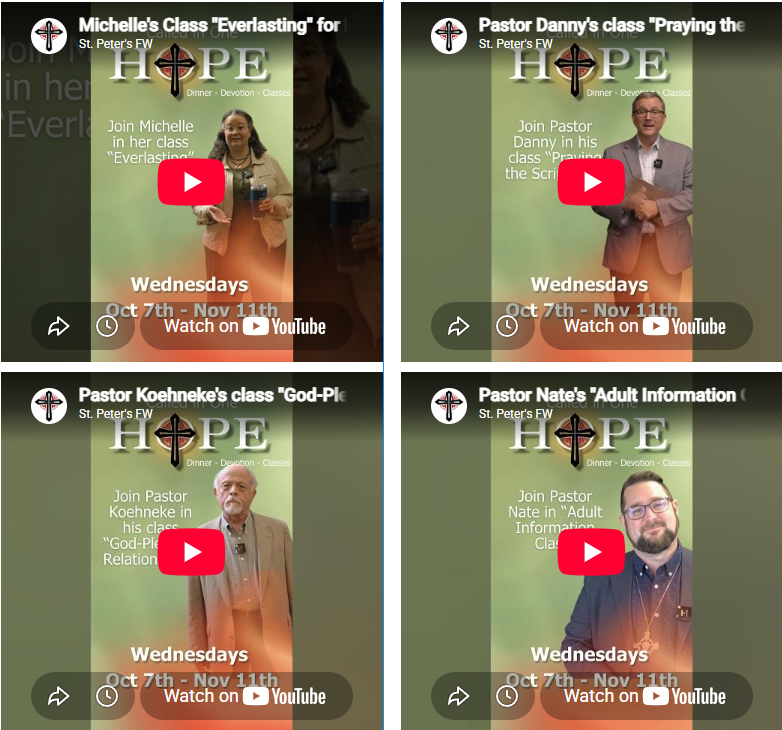
Picked your class yet? Watch each video to get a sneak peek.

Throw some cash in your wallet or fish out the checkbook in your purse....Fish Fry tickets on sale this coming weekend!
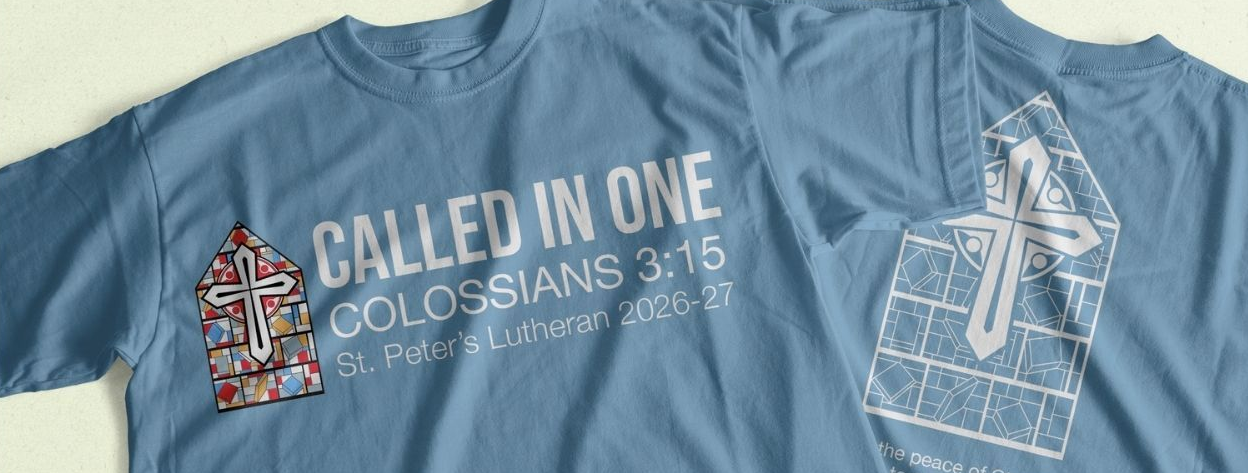
Did you order a t-shirt?
Sermon by Pastor Nate Widener